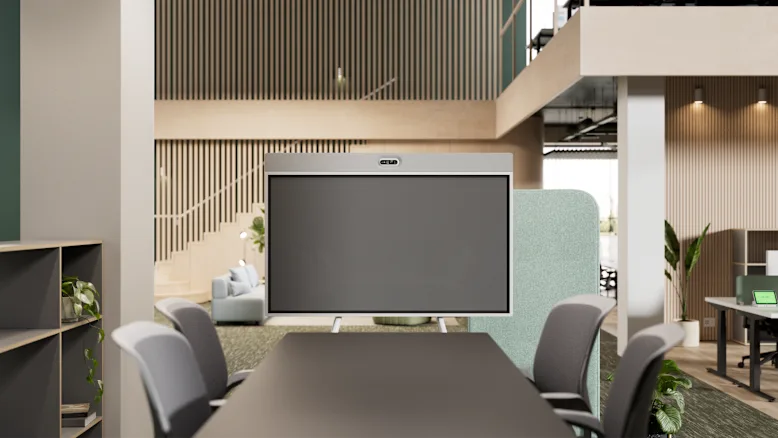
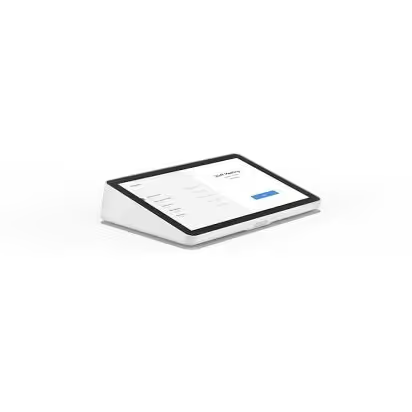
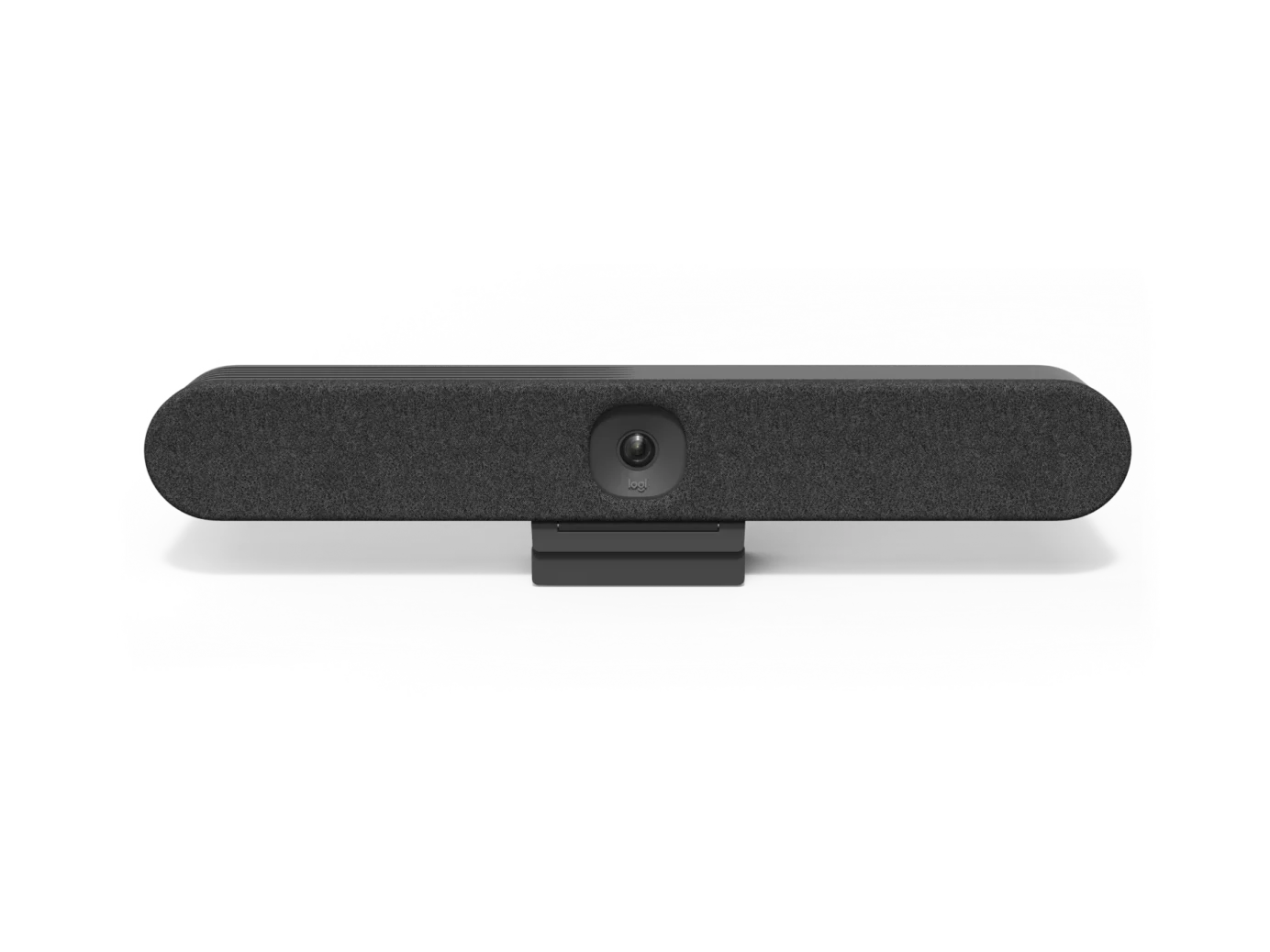
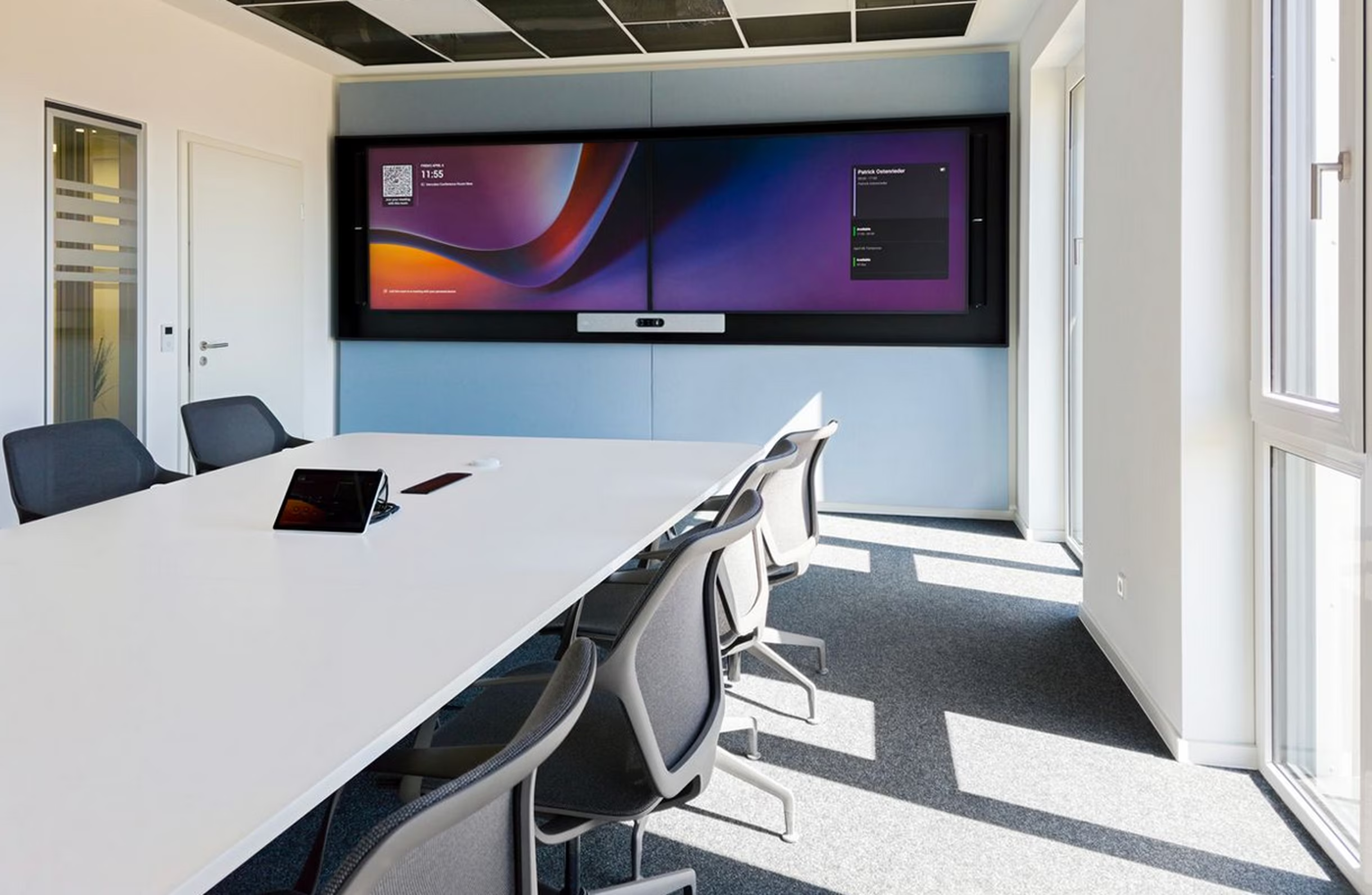
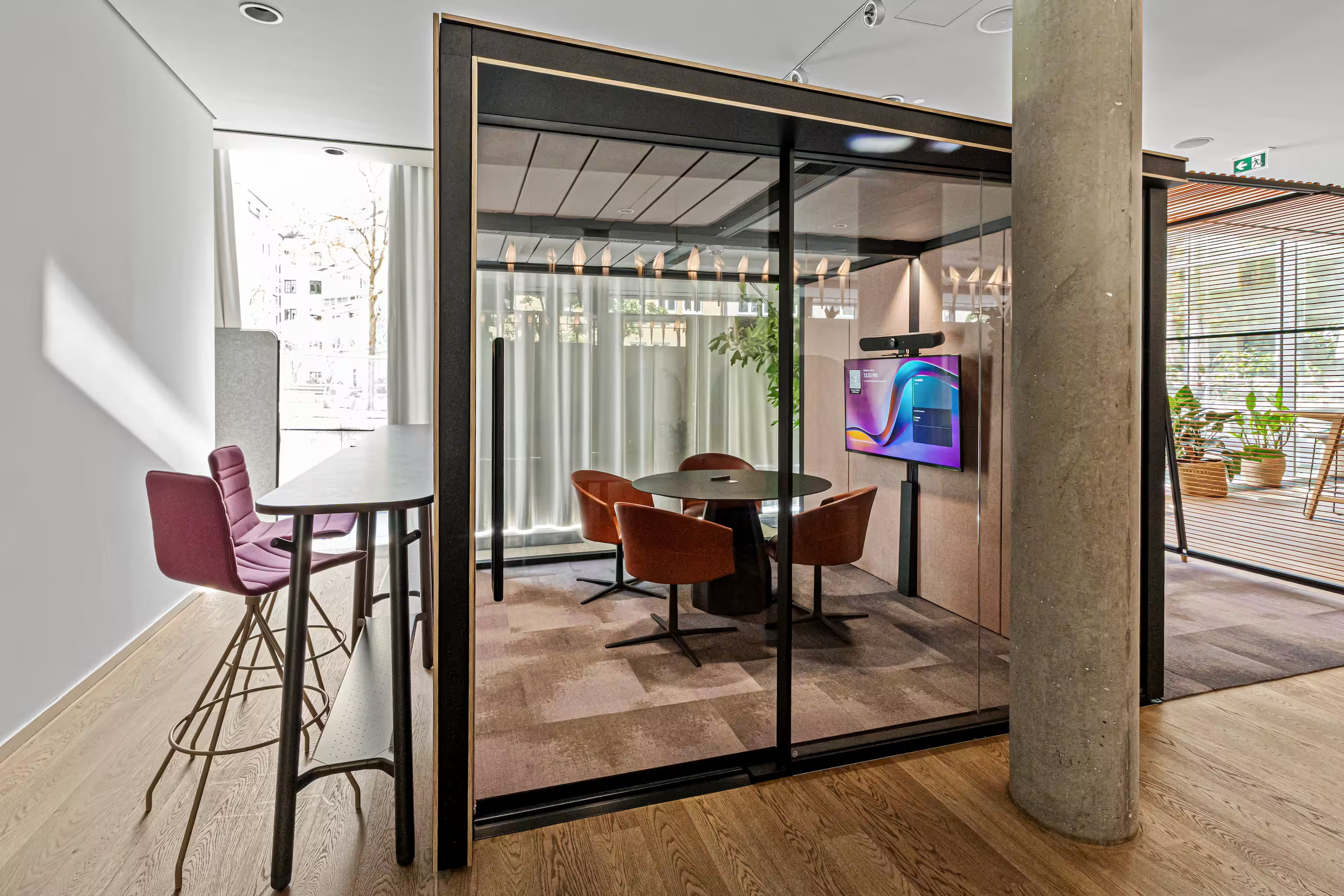
Logitech Videokonferenz Family

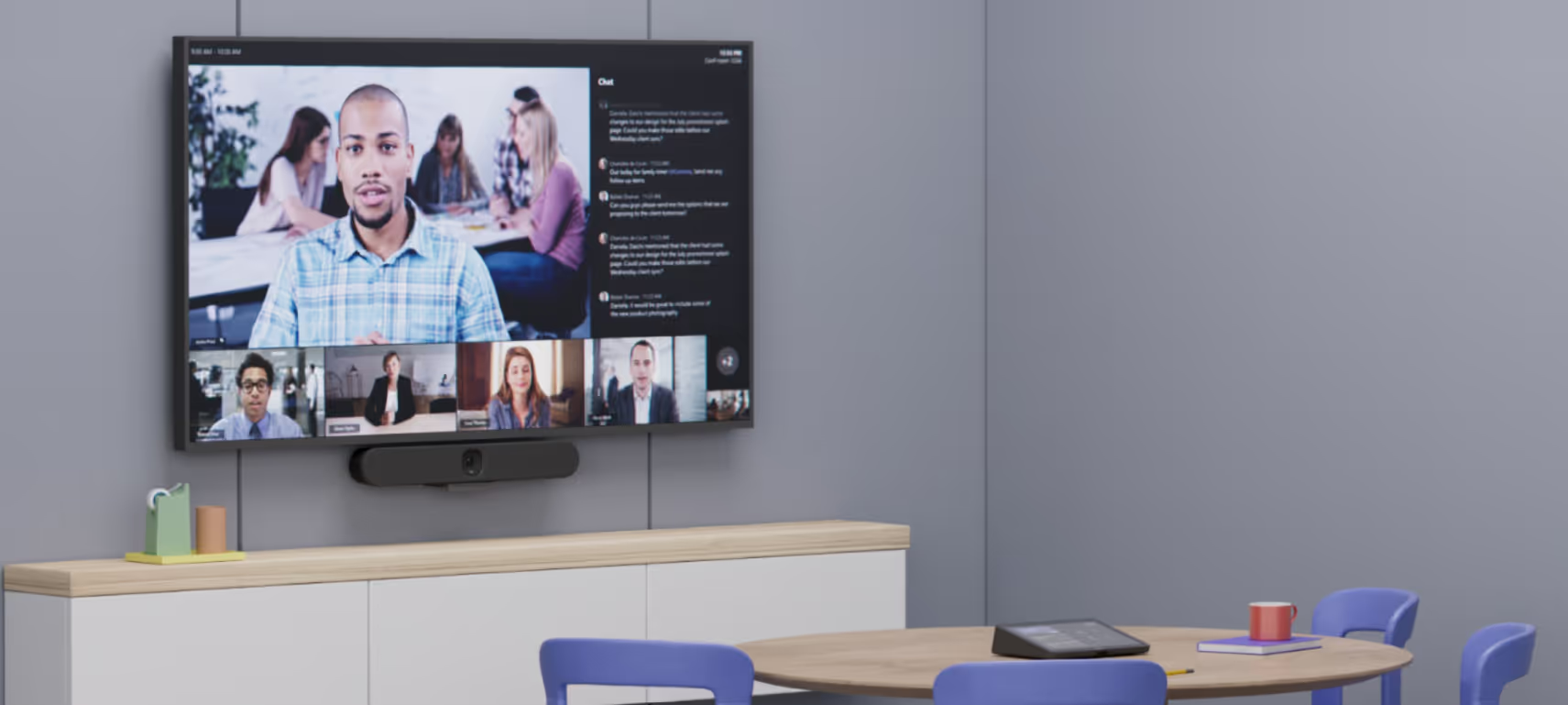
Logitech video conference with Rally Bar and Tap

With its products, Logitech offers a broad portfolio of video conferencing systems. The all-in-one (camera, speaker and microphone) products such as Rally and Rally Bar are designed to connect to a PC/notebook - Bring Your Own Device (BYOD) thanks to their USB connectivity. There, these are compatible with any web conferencing solution, such as Microsoft Teams, Zoom, Webex, etc. The actual video conferencing application runs on the PC/notebook and, depending on the size of the room, the Logitech systems cover the room with video image, loudspeaker and echo-free microphone. If conference rooms are to be operated autonomously (without an employee PC) as a video conference room, these can be supplemented with room systems such as Logitech Tap.
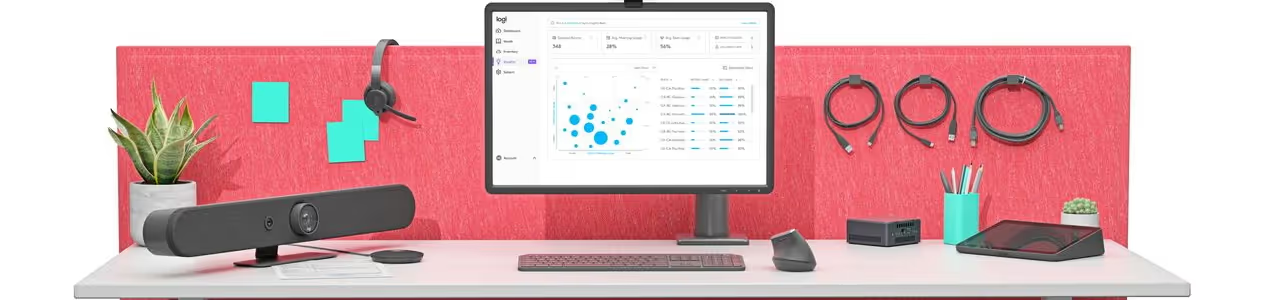
Overview of Logitech video conferencing cameras and room systems

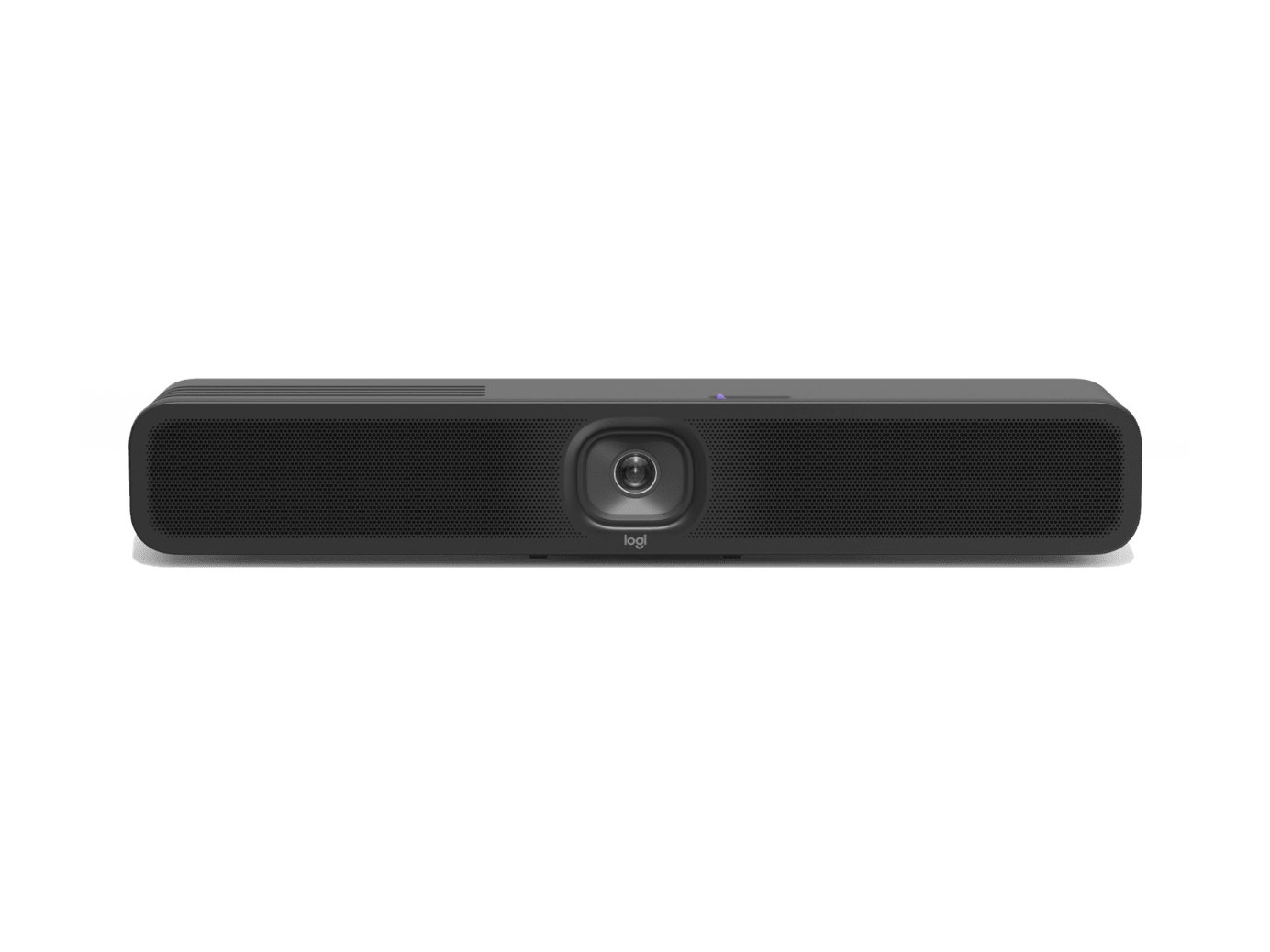
Logitech Rally Bar Mini

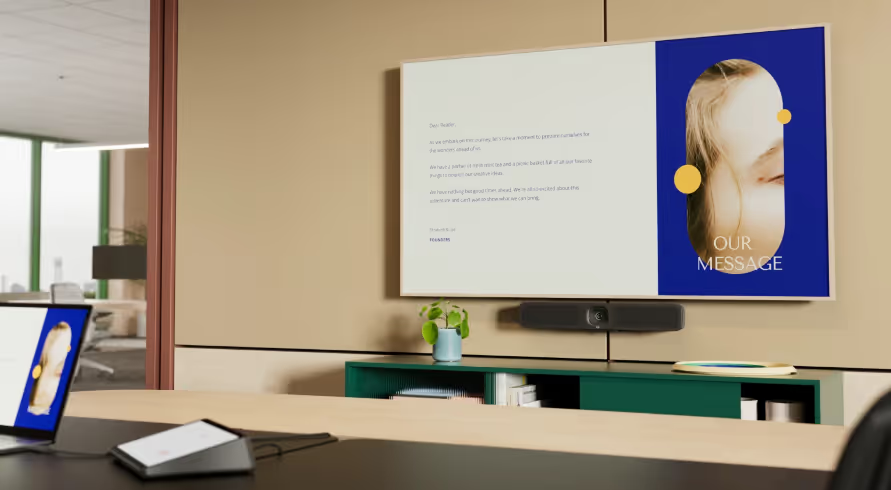
Workstation with Logitech Rally Bar Mini
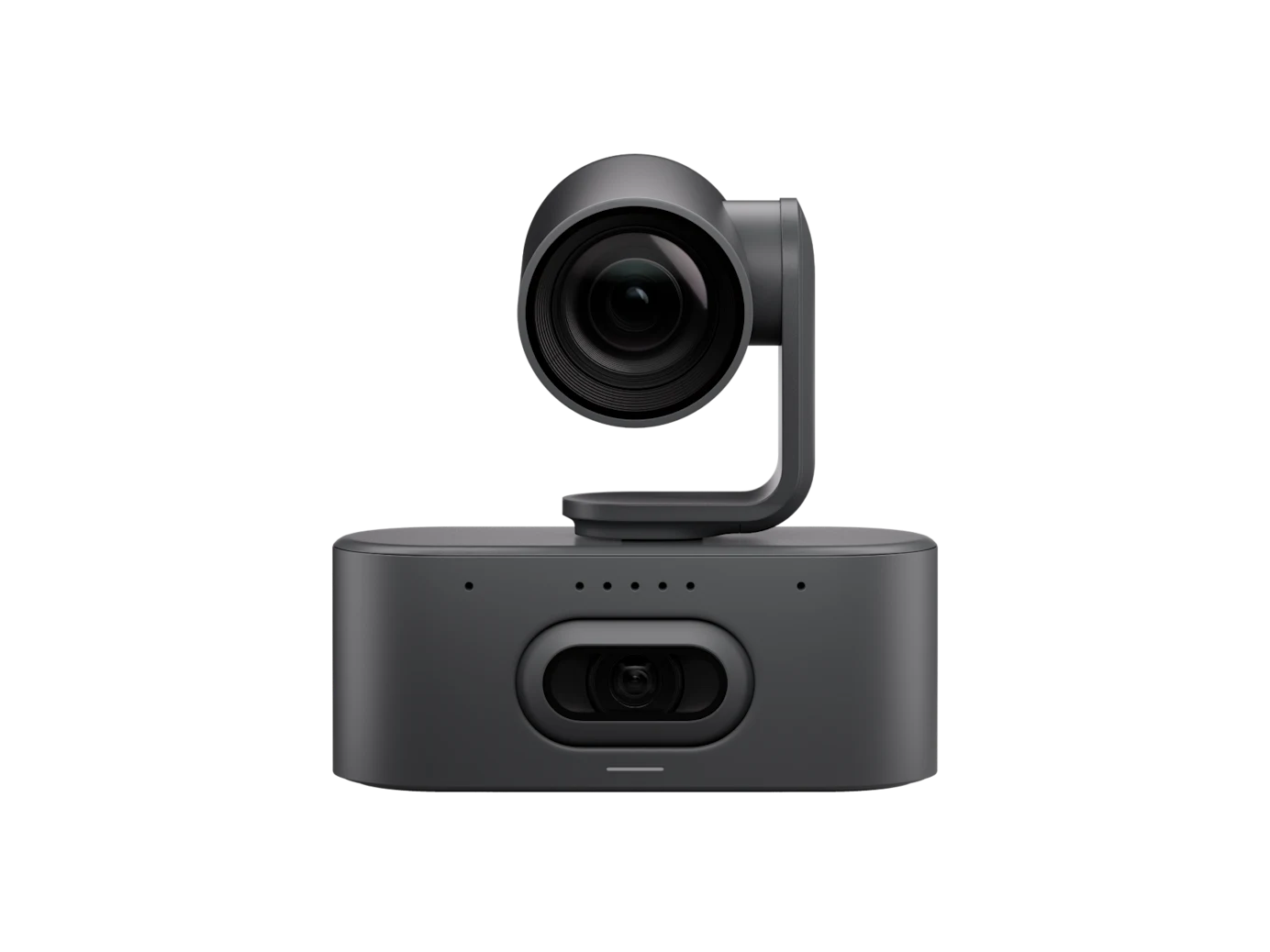
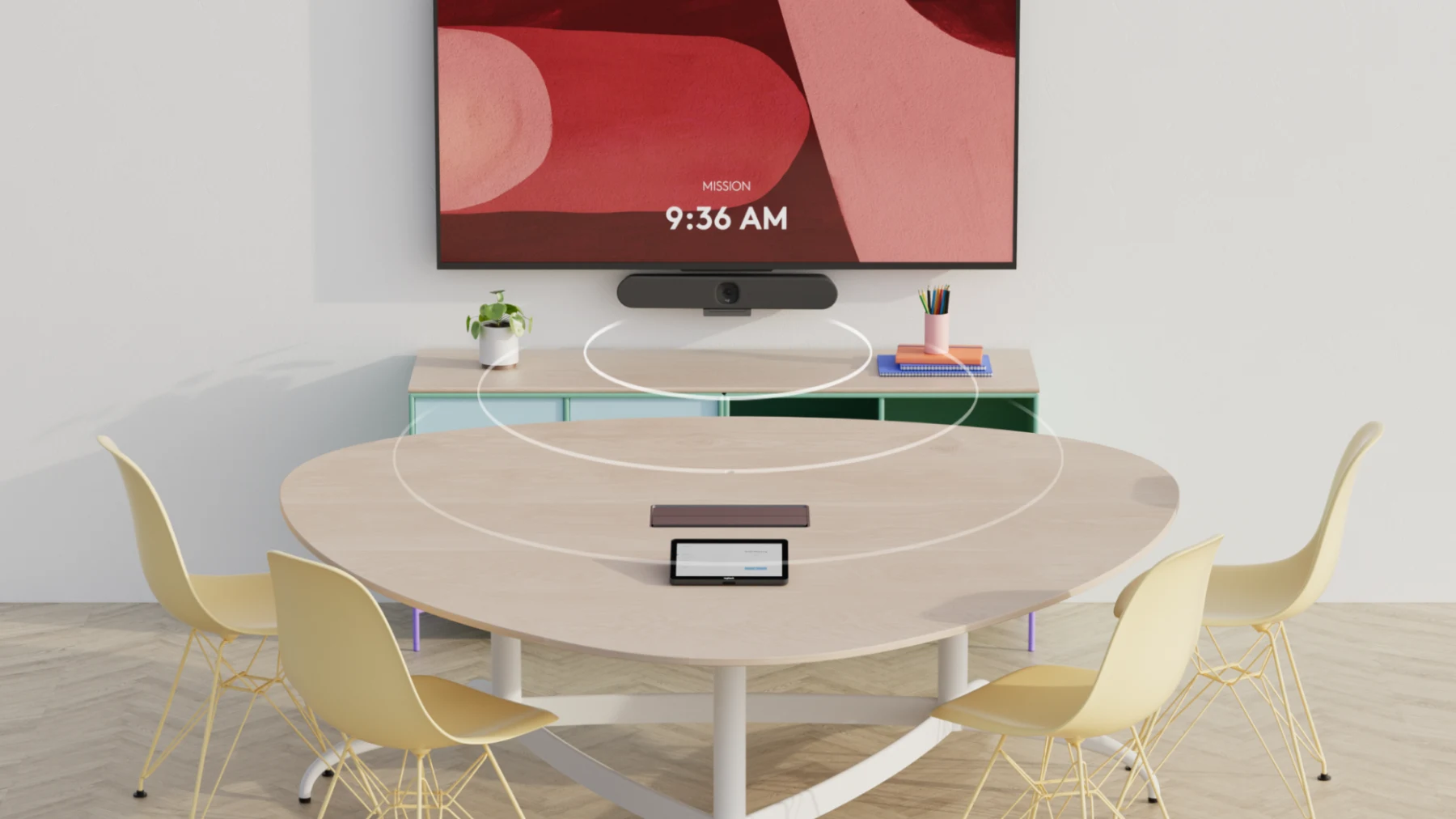
Rally Bar Mini is an all-in-one camera system that combines simplicity and versatility and is therefore ideal for small conference rooms. Microphones, loudspeakers and the camera are integrated in one device. Thanks to beamforming microphones, entire conference rooms can be covered without the need for microphones or cables on the table. In addition, the already well-known PTZ camera from the Rally System is integrated into the bar. It impresses with its 4K resolution and 15x maximum zoom. It is remarkably easy to use, manage, and deploy as needed, and offers the features of larger video bars such as Logitech Rally Bar in a compact format for smaller spaces. With plug & play, it can be used with virtually any PC or Mac. In addition, supported video conferencing applications can run on the device without a computer.
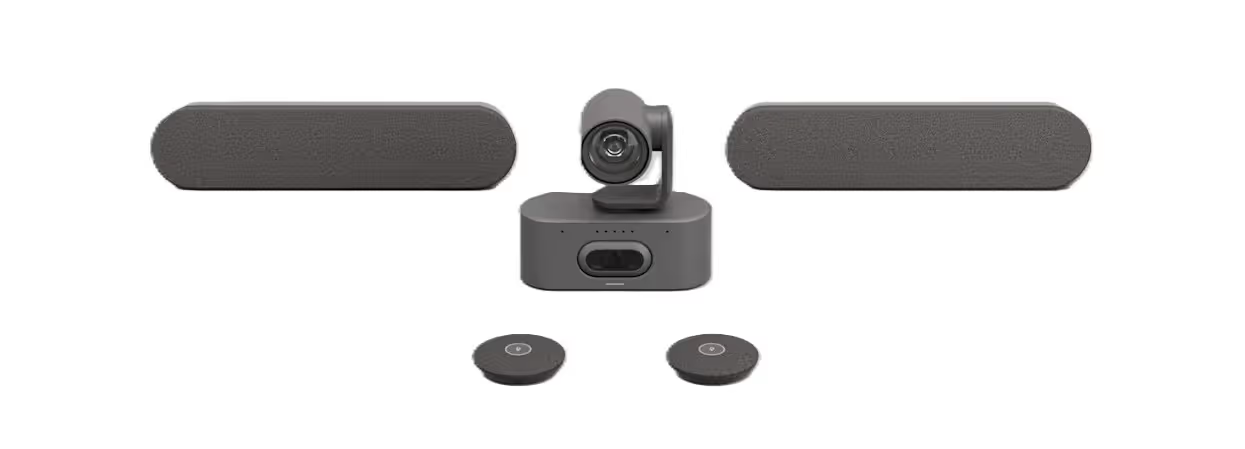
Logitech Rally Bar Mini with accessories

Key features of Rally Bar Mini at a glance

  • 4K camera with wide-angle recording
  • Expandable with up to 3 desk microphones (Mic Pod)
  • Plug and play immediately ready for use without driver software (USB 3.0)
  • Compatible with all common video conferencing soft clients (Webex, Zoom, Teams, Google Meet, GoToMeeting, Jitsi, etc.)

Here we recommend Rally Bar Mini:

  • Small conference rooms
  • Wide-angle recording range
  • multifunctional rooms
  • Video conference car

We recommend a different system here:

  • large training rooms
  • H.323/SIP conferences

Cost of a ready-to-use conference system with Logitech Rally Bar Mini

To get a ready-to-use Logitech Rally Bar Mini video conferencing system, the following is required:

  • Logitech Rally Bar Mini Hardware: approx. 2,400€
  • Otional PC/MAC with USB port or Logitech Tap
  • display or projector
  • Installation and setup working time
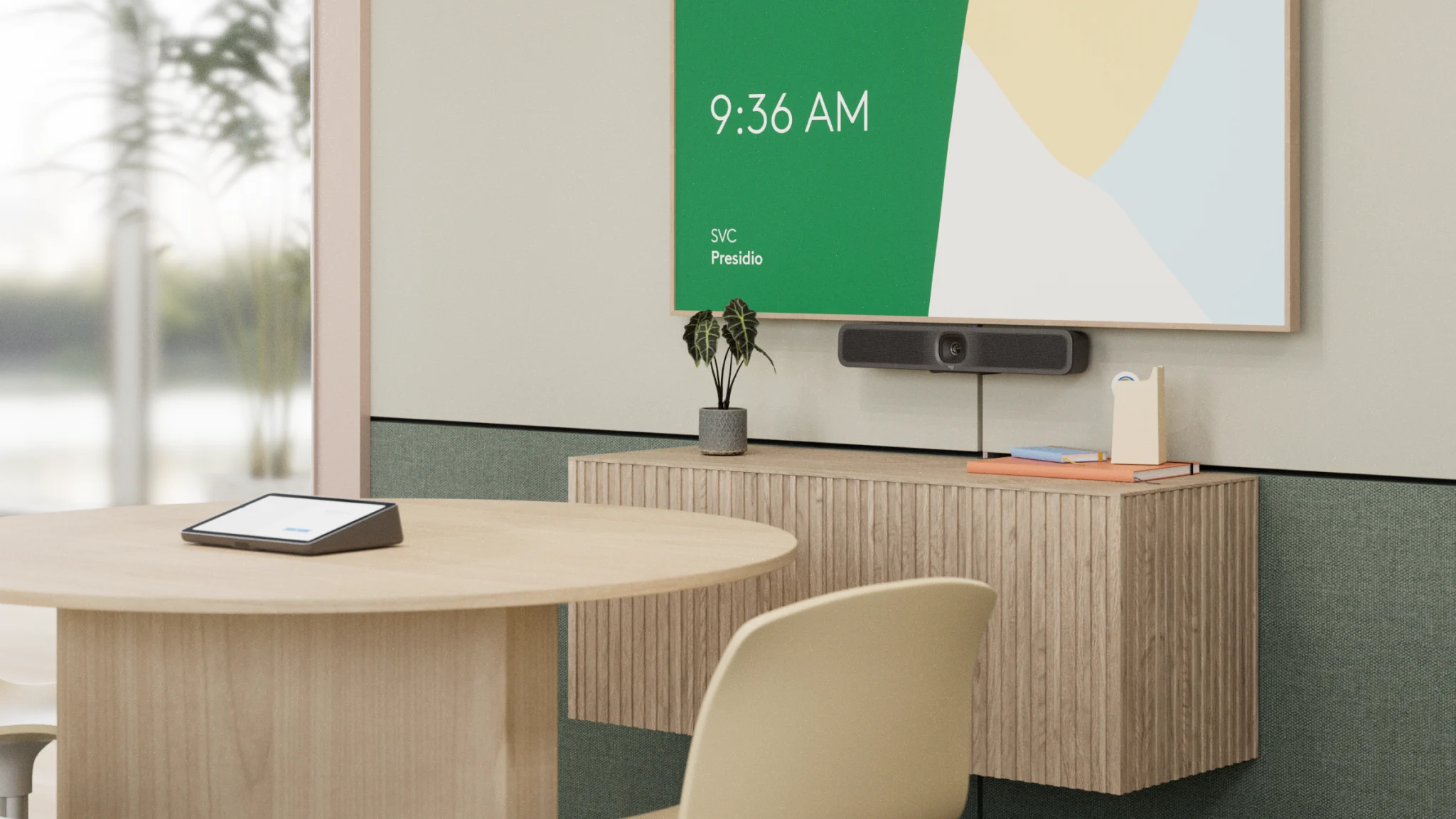
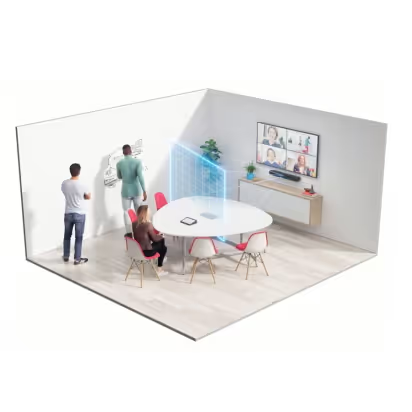
Conference room example with Logitech Rally Bar Mini
Get a personal offer

Logitech Rally Bar

Conference room with Logitech Rally Bar
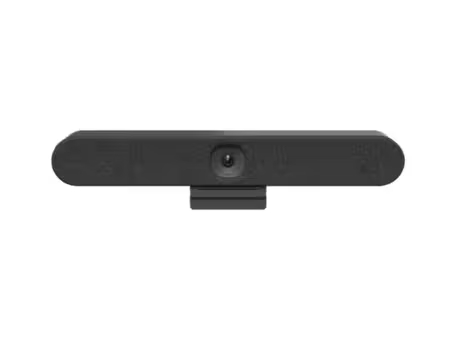
The Logitech Rally Bar is an all-in-one video conferencing solution. Microphones, loudspeakers and the camera are integrated in one device. Thanks to beamforming microphones, entire conference rooms can be covered without the need for microphones or cables on the table. In addition, the well-known PTZ camera from the Rally System is integrated into the bar. It impresses with its 4K resolution and 15x maximum zoom. Thanks to the new AI viewfinder, participants are automatically recognized and framed. The Rally Bar can be operated in two different modes. The so-called “appliance mode” allows use with PCs, which recognizes microphones, loudspeakers and camera as USB peripherals. If no external PC is available or should be used, conferences can be attended directly from the device thanks to the integration of Zoom Rooms and Microsoft Teams Rooms. The control is then carried out via the Logitech Tap, which is seamlessly integrated.
Rally Bar

Key features of Rally Bar at a glance

  • 4K camera with 5x optical zoom (and motorized pan/tilt function)
  • Expandable with up to 4 desk microphones (Mic Pod)
  • Plug and play immediately ready for use without driver software (USB 3.0)
  • Compatible with all video conferencing soft clients (Webex, Zoom, Teams, Google Meet, GoToMeeting, Jitsi, etc.)

Here we recommend Logitech Rally Bar:

  • Web conferences for up to 24 people
  • Medium to large conference rooms
  • Multifunctional rooms
  • Video conference trolley

We recommend a different system here:

  • large conferences (> 24 people)
  • Remote camera required
  • H.323/SIP conferences

Cost of a ready-to-use conference system with Logitech Rally Bar

To get a ready-to-use Logitech Rally Bar video conferencing system, the following is required:
  • Logitech rally bar hardware: approx. 2,650€
  • Installation accessories: approx. 370€
  • Optional PC/MAC with USB port or Logitech Tap
  • Video conferencing software such as Teams, Zoom, etc.
  • Display or projector: approx. 850 - 5,500€
  • Installation and setup working time: approx. 450 - 800€
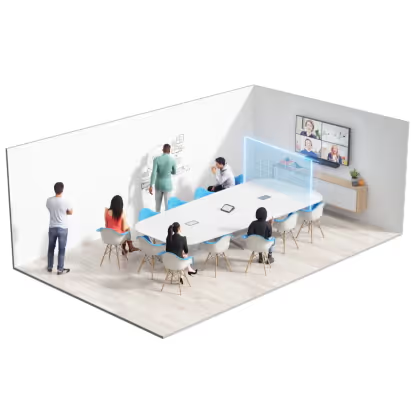
Example of a conference room with Logitech Rally Bar
Get a personal offer

Logitech Rally System

1. Rally Plus system

Conference room with Logitech Rally
Logitech Rally is a conference system consisting of a dedicated camera, loudspeaker and microphones. The web conferencing system is particularly suitable for installations of medium-sized meeting rooms. The camera has mechanical (15x) zoom, pan and tilt functions (PTZ), which provides a large detection range. When idle, the camera pans downwards to ensure privacy. The system is permanently installed in the conference room via transmitting and receiving units. The hub is connected to the host PC via USB 3.0. The system is operated via the included remote control. The system is available in various equipment variants.
Logitech Rally

Key features of Rally at a glance

  • 4K UHD camera with 90-degree field of view and 5x optical zoom (as well as motorized pan/tilt function) - very quiet motor
  • Modular design with remote loudspeaker and up to 7 microphones
  • Plug and play immediately ready for use without driver software (USB 3.0)
  • Optional automatic person recognition (RightSight)
  • Very good speech intelligibility due to noise suppression and further optimizations

Here's where we recommend Logitech Rally:

  • Web conferences up to max. 30 people
  • Installations with a remote camera
  • Very good speech intelligibility
  • Conference tables with cabling option

We recommend a different system here:

  • small rooms (distance from camera < 1.5 m)
  • H.323/SIP conferences

Cost of a ready-to-use conference system with Logitech Rally

To get a ready-to-use Logitech Rally video conferencing system, the following is required:

  • Logitech Rally hardware: starting at 1.800€
  • Installation accessories: approx. 275€
  • Optional PC/MAC with USB port or Logitech Tap
  • Video conferencing software such as Microsoft Teams, Zoom, etc.
  • display or projector
  • Installation and setup working time
Logitech Rally with various accessories

2. Rally Camera Streamline Kit

Conference room with Logitech Rally Streamline kit
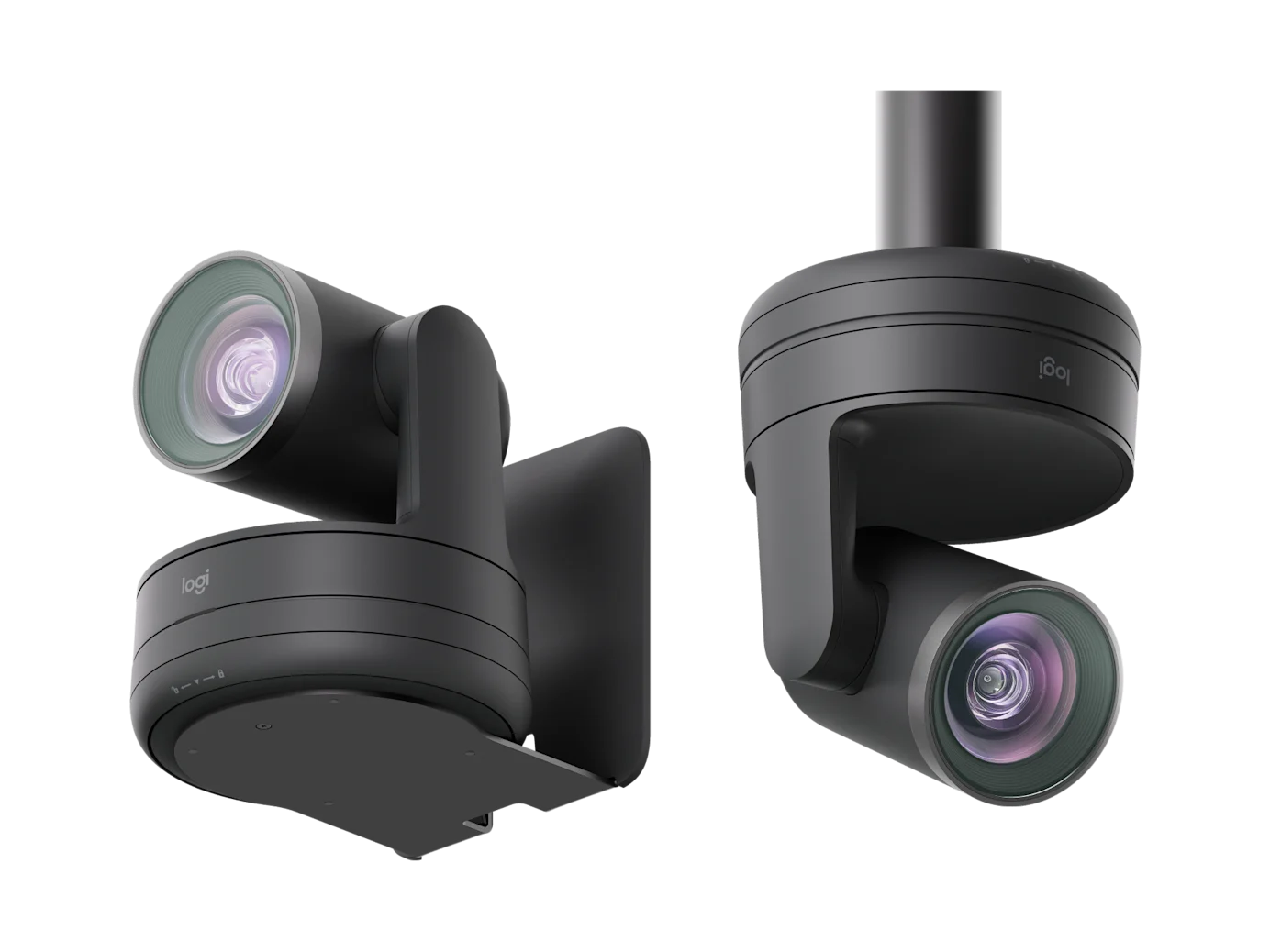
The Logitech Rally Camera Streamline Kit is a comprehensive USB PTZ video solution for large rooms, presentations, and especially Hyflex learning environments. It enables a structured and professional presentation of content and people by simply switching between different camera perspectives. The focus is on the Rally PTZ camera with 4K video quality, motorized pan, tilt and zoom system and 15x HD zoom. This makes it possible to precisely capture entire rooms as well as individual speakers or content. A key feature is the wireless preset keys. These can be placed anywhere in the room and make it possible to switch between predefined camera positions at the push of a button. This keeps presenters in flow and makes meetings or lessons much more dynamic. The installation is particularly efficient using a single-cable solution (Cat cable) that transmits both data and power. This allows distances of up to 100 meters between camera and AV technology — without an additional power supply to the camera. Thanks to the USB connection, the system is compatible with common video conferencing and recording platforms such as Microsoft Teams, Zoom and other solutions.
Logitech Rally Streamline Camera Graphite

Key features of Rally Camera Streamline Kit at a glance

  • USB PTZ camera with 4K video quality, 15x HD zoom and motorized pan (±90°) and tilt (+50°/-90°)
  • 90° diagonal field of view for large rooms and precise presentation of people and content
  • Wireless preset keys for quick switching between different camera angles (e.g. speaker, whiteboard, audience)
  • Single cable solution (Cat cable for data + power) with a range of up to 100 m without additional power supply to the camera
  • Clean and flexible installation thanks to a “twist-to-lock” mounting system and mounting options for wall, ceiling, stand and VESA
  • Integration with Teams, Zoom, and other platforms, centralized management via Logitech Sync, support for multi-camera setups, and HETMA certification

Here we recommend Logitech Rally Camera Streamline kit:

  • Large conference rooms and auditoriums
  • Hyflex lessons and hybrid learning environments
  • Presentation rooms with multiple camera angles
  • Professional AV installations with central control

We recommend a different system here:

  • Small meeting rooms (Huddle Rooms)
  • Classic plug & play meetings without presentation focus

Cost of a ready-to-use conference system with Logitech Rally Camera Streamline Kit

To get a ready-to-use Logitech Rally video conferencing system, the following is required:
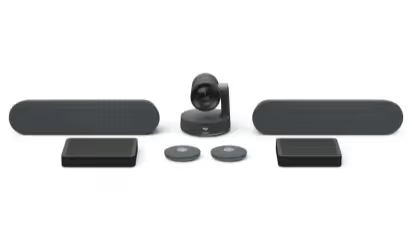
  • Logitech Rally Camera Streamline Kit Hardware: starting at 2,100€
  • Installation accessories: approx. 275€
  • PC or video conferencing system (USB connection)
  • Video conferencing software such as Microsoft Teams, Zoom, etc.
  • display or projector
  • Installation and setup working time
Logitech Rally Camera Streamline Kit Graphite
Get a personal offer

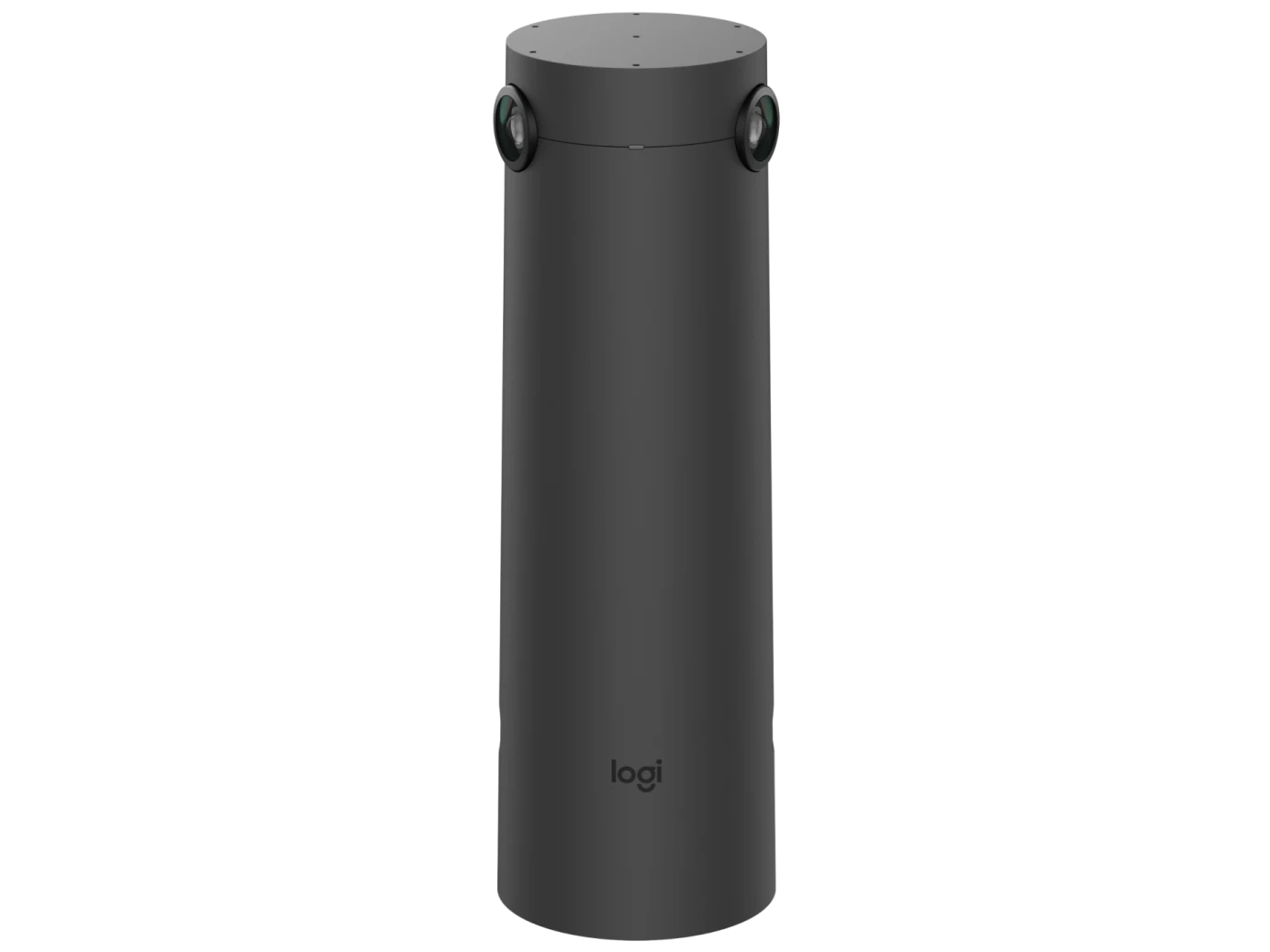
Logitech Sight

Logitech Sight Cover Photo
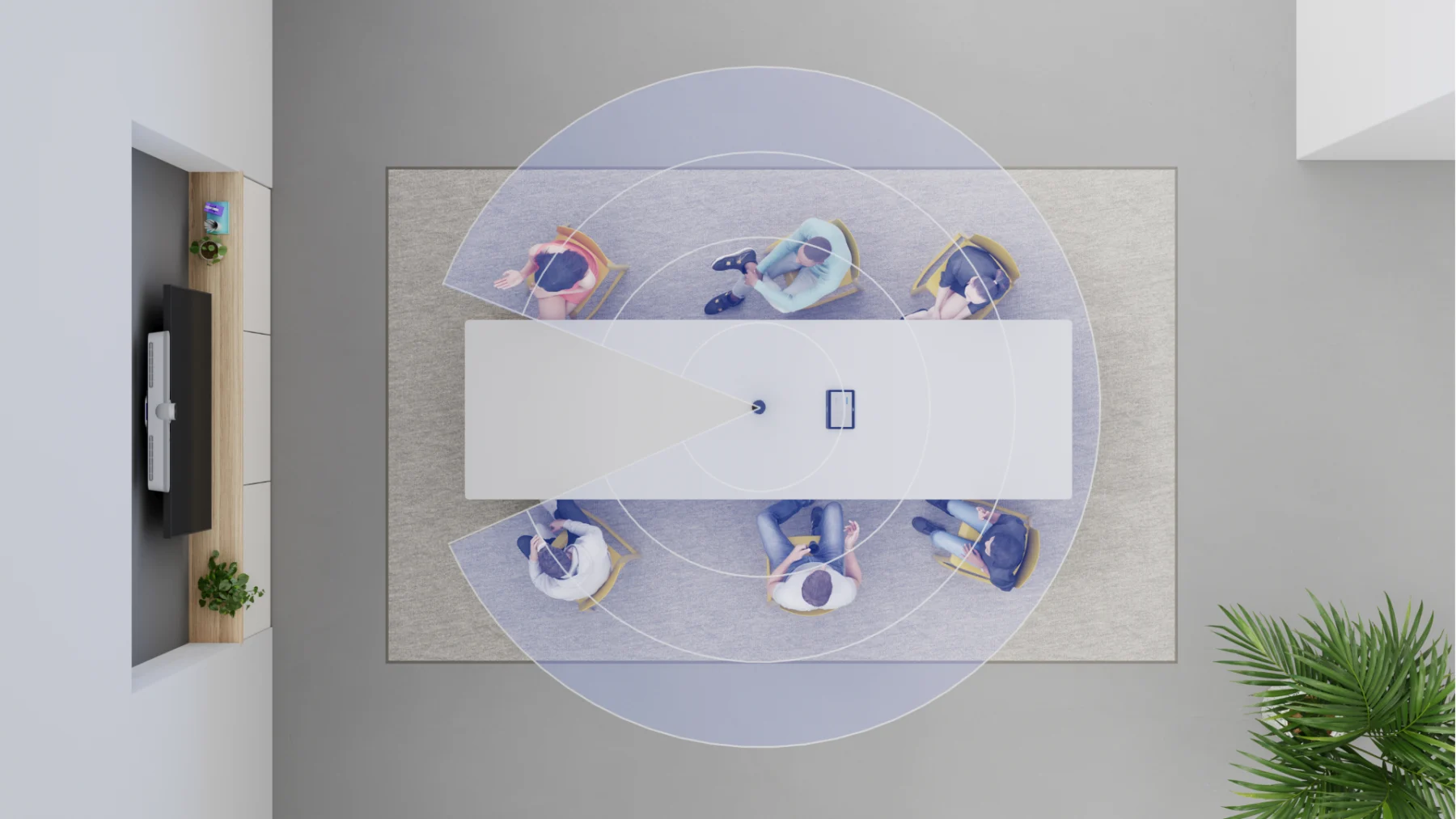
Logitech Sight is a smart desk camera specifically designed for hybrid meetings. It complements front-of-room cameras such as Logitech Rally Bar or Rally Bar Mini and ensures that participants at the conference table are also optimally captured. With the help of AI-supported video processing, Sight recognizes actively speaking people and automatically shows them in the image — creating a natural and equal meeting impression for remote participants. The camera is placed centrally on the conference table and captures participants from the middle of the room. With multiple integrated cameras and microphones, Logitech Sight can recognize and dynamically display people around the table. When combined with supported video conferencing platforms, intelligent speaker recognition enables improved visibility and interaction in hybrid meetings. Logitech Sight works seamlessly with existing Logitech room solutions and adds an additional perspective. Installation is simple and plug and play with compatible Logitech video conferencing systems. This makes Logitech Sight particularly suitable for modern conference rooms, in which both presence and remote participants should communicate optimally with each other.
Logitech Sight Facing front graphite

Key features of Sight at a glance

  • AI-powered desk camera for hybrid meetings
  • Several integrated cameras to capture participants around the table
  • Automatic speaker recognition and intelligent image selection
  • Perfect addition to Logitech Rally Bar and Rally Bar Mini
  • Supports leading video conferencing platforms including Zoom, Microsoft Teams, and Google Meet
  • Easy integration into existing Logitech room solutions

Here's where we recommend Logitech Sight:

  • Medium to large conference rooms
  • Extension of existing Logitech Rally systems
  • Conference tables with multiple participants
  • Hybrid meetings with local and remote participants

We recommend a different system here:

  • Small huddle rooms
  • Individual workstations or small meeting rooms without a conference table

Cost of a ready-to-use conference system with Logitech Sight

To get a ready-to-use Logitech Sight video conferencing system, the following is required:
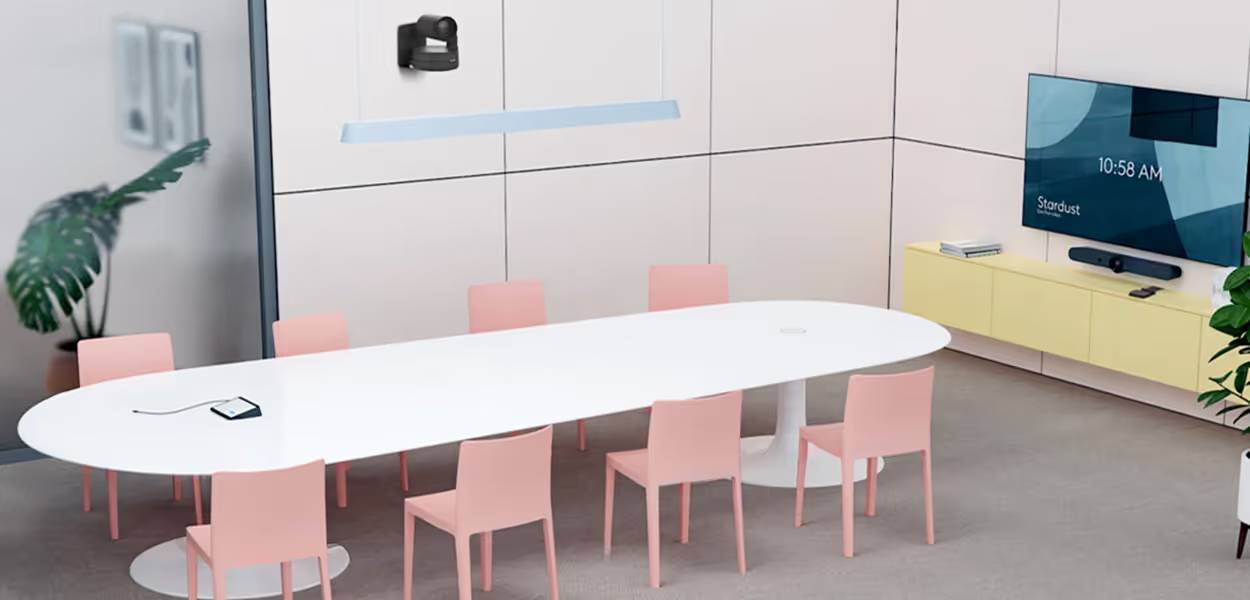
  • Logitech Sight desk camera hardware: approx. 2,225€
  • Installation accessories: approx. 200€
  • Optional PC/MAC with USB port or Logitech Tap
  • Logitech Rally Bar or Rally Bar Mini as front camera
  • display or projector
  • Installation and setup working time
Logitech Sight conference room
Get a personal offer

Logitech Rally AI Camera Pro

Rally AI Camera Pro cover photo
The Logitech Rally AI system is a sophisticated video conferencing solution for large and complex conference rooms. With cutting-edge AI technology and powerful optics, the system provides a particularly natural and immersive meeting experience. Through intelligent image control, participants, speakers and presenters are automatically recognized and optimally displayed in the image. At the center of the system is the Rally AI Camera Pro with its innovative dual camera system. It combines a high-resolution wide-angle camera with an additional optical camera including a 15x hybrid zoom. As a result, both the entire room and individual speakers or presentation details can be captured razor-sharp — even in large meeting environments. Thanks to the AI-based RightSight 2 technology, the system dynamically adapts to meeting events. It automatically recognizes active speakers, groups or individuals and ensures optimal image composition. This creates equal and professional communication between all participants — regardless of whether they are in the room or remotely. The Rally AI system can be used flexibly and supports both single and multi-camera setups. This makes it ideal for demanding AV environments, large conference rooms or presentation areas. At the same time, the system can be seamlessly integrated into common video conferencing platforms such as Microsoft Teams or Zoom.
Rally AI camera pro graphite front view

Key features of Rally AI Camera Pro at a glance

  • AI-powered video camera with RightSight 2 for automatic image adjustment
  • Dual camera system with additional optical camera and 15x hybrid zoom
  • Outstanding image quality thanks to a 1-inch sensor and wide-angle shot
  • Support for single and multi-camera installations
  • Automatic speaker tracking and intelligent change of perspective

Here's where we recommend Logitech Rally AI Camera pro:

  • Large conference rooms and boardrooms
  • Complex AV environments
  • Presentations and classrooms
  • Hybrid meetings with many participants

We recommend a different system here:

  • Small meeting rooms
  • Huddle rooms or individual workstations

Cost of a ready-to-use conferencing system with Logitech Rally AI Camera Pro

To implement a ready-to-use video conferencing solution with the Logitech Rally AI system, the following is usually required:

  • Logitech Rally AI Camera Pro hardware: starting at 3.500€
  • Installation accessories: approx. 250€
  • Optional additional cameras for multi-camera setups
  • Video conferencing software such as Microsoft Teams, Zoom, etc.
  • Display or projector
  • Optional Logitech Tap for control
  • Installation and setup working time
Logitech Rally AI Camera Full System
Get a personal offer

Logitech Rally Bar Huddle

Rally Bar Huddle Cover Photo
The Logitech Rally Bar Huddle is a compact all-in-one video conferencing solution for small meeting rooms and huddle rooms. The camera, microphones and speakers are integrated in one device and allow quick, easy setup.
The 4K camera with 120° field of view and digital PTZ ensures that all participants are optimally captured. AI-powered features such as automatic image adjustment and speaker focus improve presentation and create a natural meeting experience. At the same time, integrated beamforming microphones with noise cancellation ensure clear voice transmission.
The Rally Bar Huddle can be used flexibly: in USB mode with PC or Mac or in appliance mode without an additional computer. Video conferencing applications such as Microsoft Teams, Zoom, and Google Meet are directly supported. Thanks to Logitech Sync, centralized management and monitoring is also possible.
Rally Bar Huddle Front View

Key features of Rally Bar Huddle at a glance

  • All-in-one video bar for small spaces and huddle rooms
  • 4K camera with 120° field of view and digital PTZ zoom
  • AI-powered video and audio features for clear meetings
  • 6 integrated beamforming microphones with a range of up to 7 m
  • Integrated loudspeaker with optimized voice reproduction
  • Plug & Play and appliance mode without an additional PC
  • Flexible installation: table, wall or display
  • Compatible with Teams, Zoom, Google Meet

Here we recommend Logitech Rally Bar Huddle:

  • Huddle rooms and small meeting rooms
  • Quick and easy installation without complex technology
  • Small teams of up to 4-6 people
  • Modern hybrid meetings in a small space

We recommend a different system here:

  • Medium to large conference rooms
  • Rooms with complex AV requirements

Cost of a ready-to-use conference system with Logitech Rally Bar Huddle

To get a ready-to-use Logitech Rally video conferencing system, the following is required:
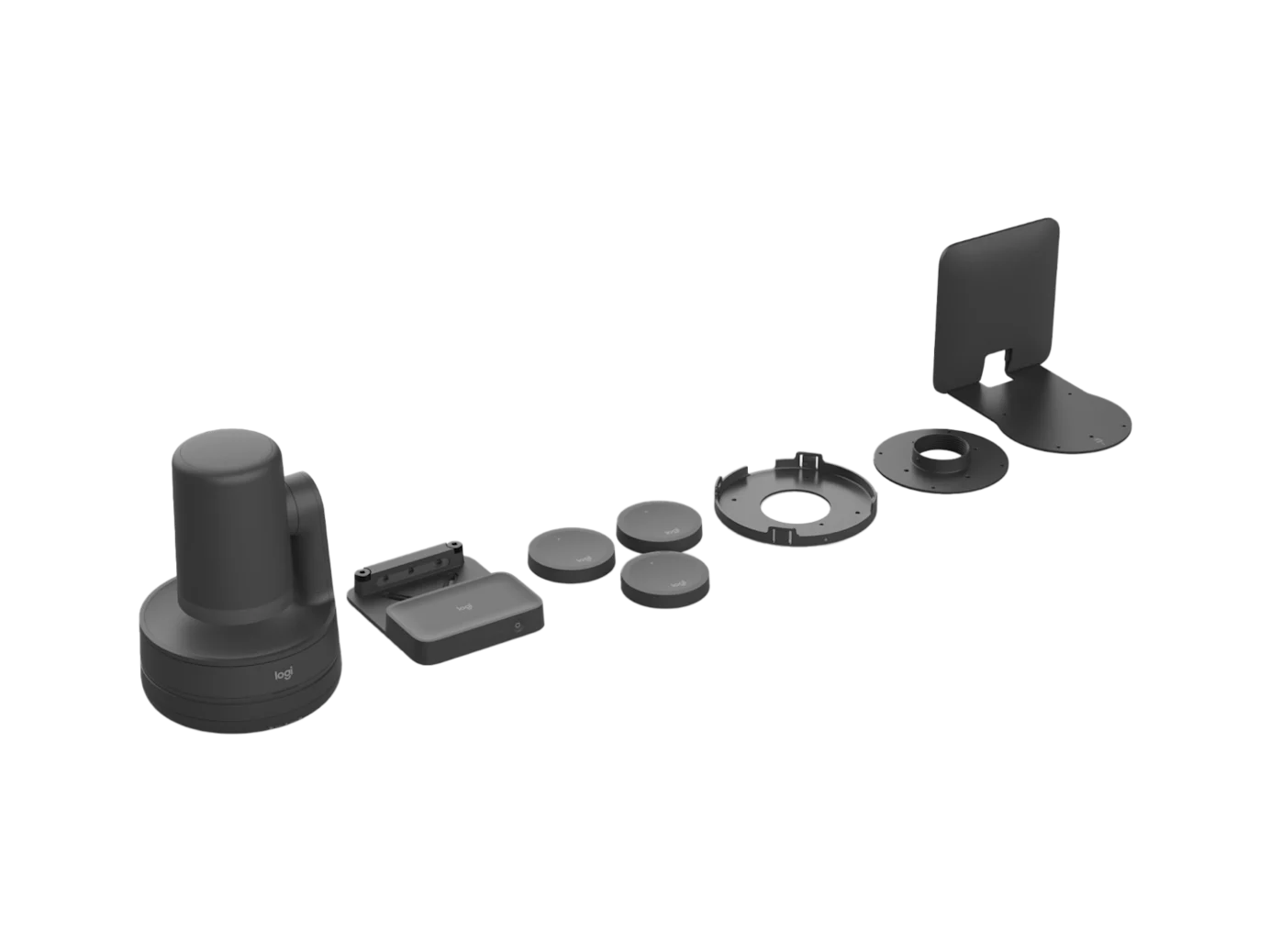
  • Logitech Rally Bar Huddle Hardware: approx. 1.250€
  • Installation accessories: approx. 100€
  • Optional Logitech Tap or Tap IP for control
  • Video conferencing software such as Microsoft Teams, Zoom, etc.
  • display or projector
  • Installation and setup working time
Logitech Rally Bar Huddle Equitable Meetings Audio
Get a personal offer

Logitech MeetUp 2

Logitech Meetup-2 Cover Photo
The Logitech MeetUp 2 is a compact all-in-one USB video conferencing solution for huddle rooms and small meeting rooms. It combines camera, microphones and loudspeakers in one device and enables particularly easy setup and flexible use in PC or BYOD mode.
The integrated 4K camera with 120° field of view and digital PTZ zoom reliably captures the entire room. AI-powered features such as RightSight 2 ensure automatic image adjustment, speaker focus and optimal presentation of all participants.
For clear audio quality, the system features an array of 6 beamforming microphones with a range of up to 7 m as well as AI-based noise cancellation and echo compensation. This is complemented by an integrated loudspeaker with optimised voice reproduction.
MeetUp 2 supports popular platforms such as Microsoft Teams, Zoom, and Google Meet and is easy to centrally manage via Logitech Sync. Thanks to CollabOS, flexible mounting options and clean cable management, it is ideal for modern, scalable meeting rooms.
Logitech Meetup-2 Graphite Front View

Key features of MeetUp 2 at a glance

  • All-in-one USB video bar for small spaces
  • 4K camera with 120° field of view and 4x digital PTZ zoom
  • AI features (RightSight 2, automatic image adjustment, speaker focus)
  • 6 beamforming microphones with a range of up to 7 m
  • AI-based noise cancellation and echo compensation
  • Integrated loudspeaker with bass reflex system
  • USB and BYOD mode (PC or laptop)

Here's where we recommend Logitech Meetup 2:

  • Huddle rooms and small meeting rooms
  • USB or BYOD-based meeting rooms
  • Quick, easy installations
  • Small teams of up to 6 people

We recommend a different system here:

  • Medium or large conference rooms
  • Rooms with complex AV requirements

Cost of a ready-to-use conference system with Logitech MeetUp 2

To get a ready-to-use Logitech Rally video conferencing system, the following is required:
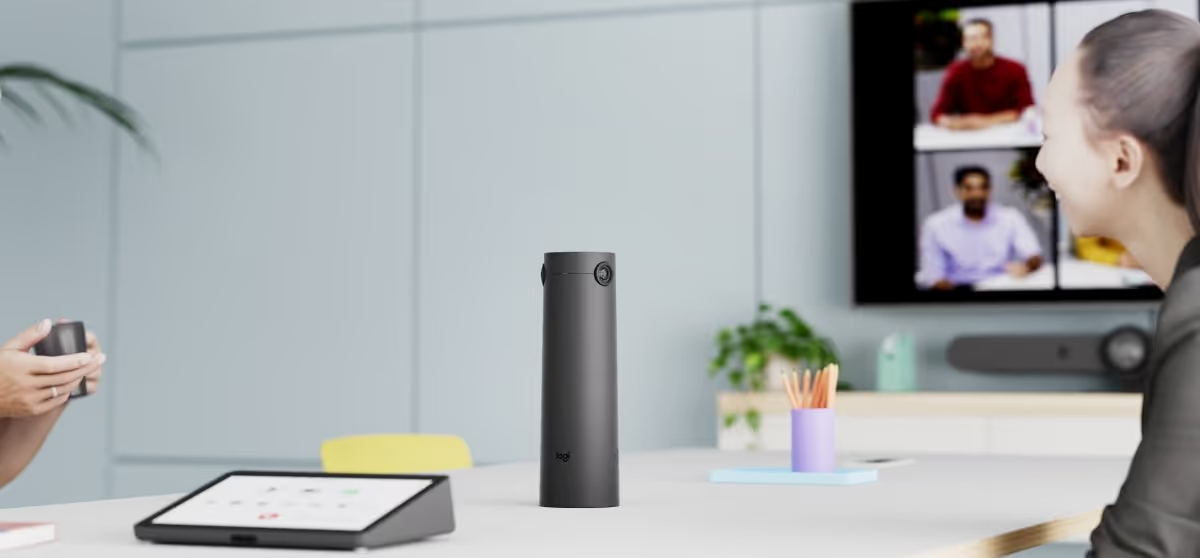
  • Logitech MeetUp 2 hardware: approx. 750€
  • Installation accessories: approx. 150€
  • Optional bracket or extended USB cable
  • PC/laptop or BYOD connection
  • display or projector
  • Installation and setup working time
Log MeetUp 2
Get a personal offer

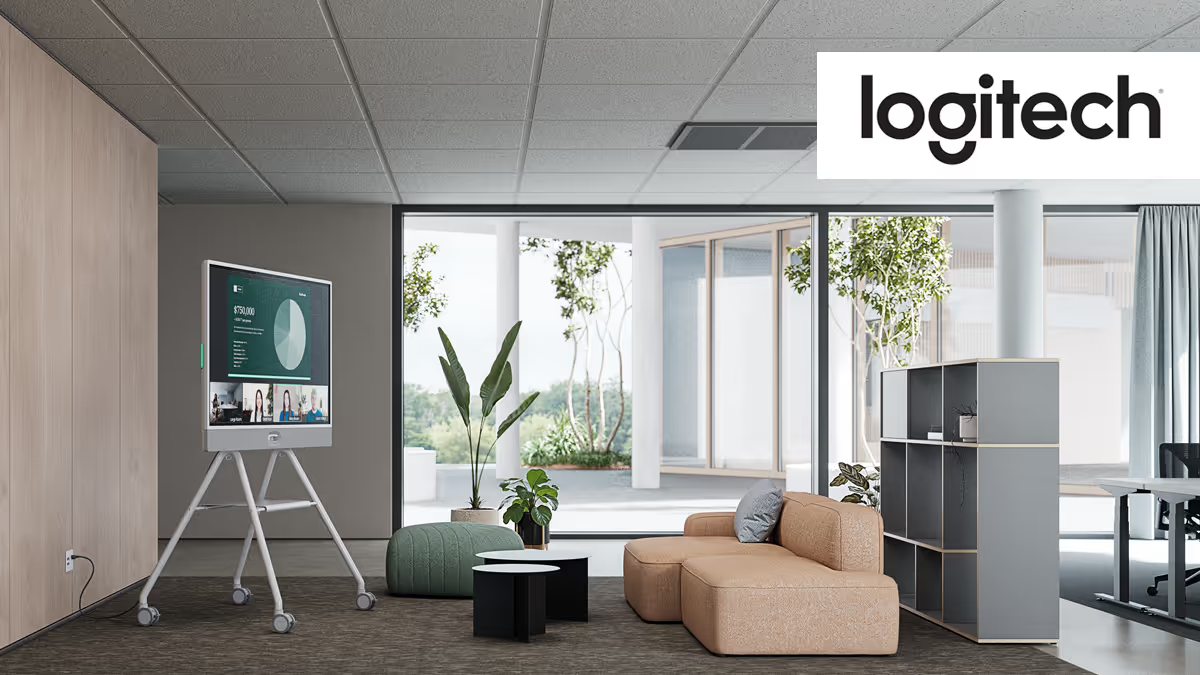
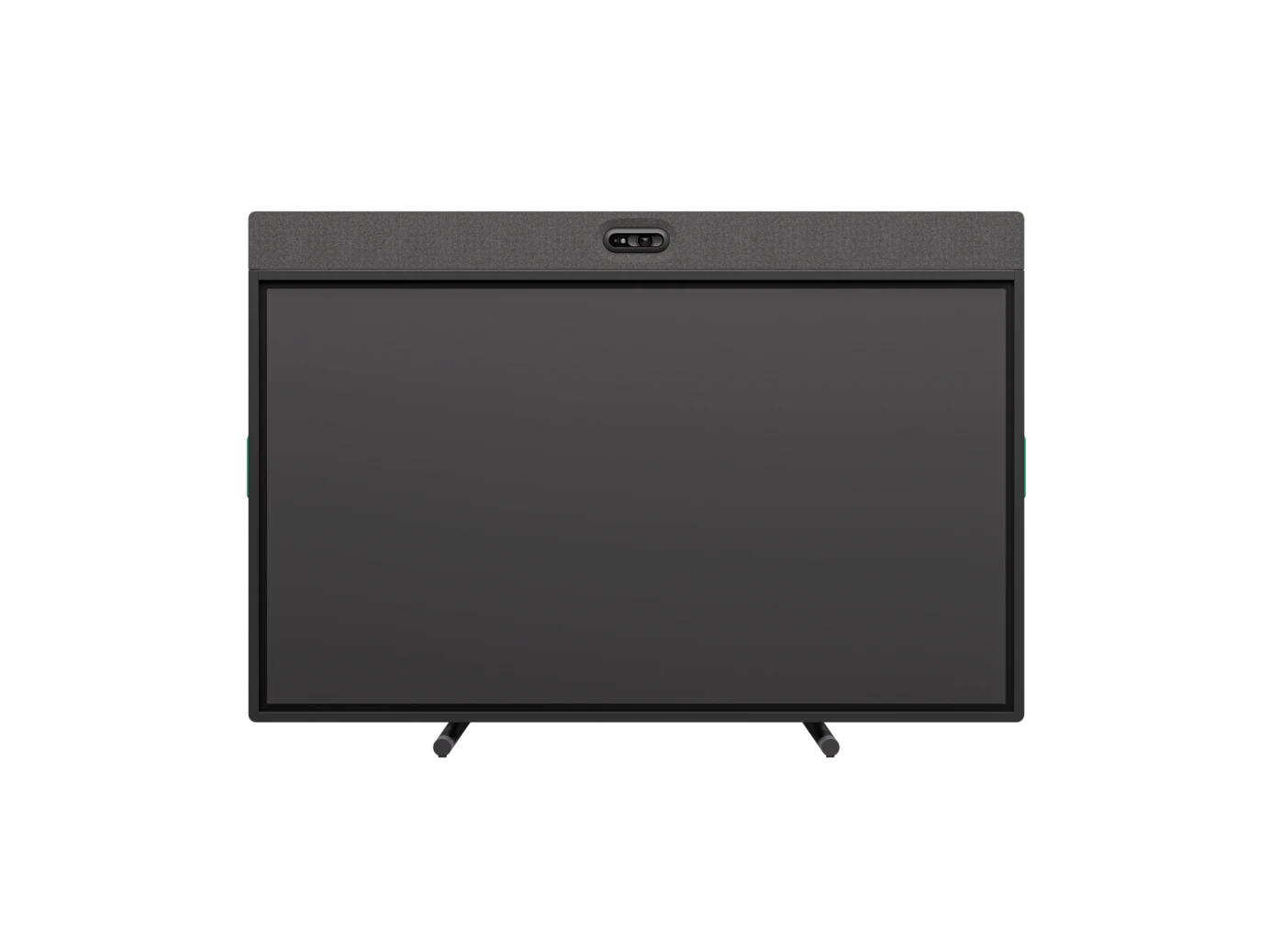
Logitech Rally Board 65

Logitech Rally Board 65 Cover Photo
The Logitech Rally Board 65 is an all-in-one video conferencing solution with an integrated 65-inch touch display. The camera, microphones, loudspeakers and display are combined in one device and provide a ready-to-use solution for modern meeting rooms and open work areas. The 4K Ultra HD multi-touch display ensures razor-sharp content and interactive collaboration. With up to 20 touch points and two ready-to-use pens, meetings, presentations and whiteboarding can be held directly on the screen — without additional devices. The integrated 4K camera with AI-supported functions such as RightSight 2 automatically adjusts the image section and optimally displays participants. At the same time, beamforming microphones and AI-based audio optimization (RightSound) ensure clear voice transmission and effective noise suppression. The system can be used flexibly in appliance, PC or BYOD mode and supports platforms such as Microsoft Teams, Zoom and Google Meet. Thanks to CollabOS and Logitech Sync, centralized management and easy integration into existing IT environments is possible.
Logitech Rally Board 65 Graphite Front View

Key features of Rally Board 65 at a glance

  • All-in-one system with 65" 4K touch display
  • Multi-touch (up to 20 points) for interactive collaboration
  • Includes two stylus pens for whiteboarding
  • 4K camera with AI (RightSight 2, automatic image adjustment)
  • Beamforming microphones with AI noise cancellation (RightSound)
  • Integrated speakers for clear voice playback
  • Appliance, PC, and BYOD modes
  • Flexible installation (wall, stand or trolley)

Here we recommend Logitech Rally Board 65:

  • Mid-size meeting rooms
  • Creative meetings and workshops
  • Rooms with whiteboard and presentation equipment
  • Open workspaces and flexible meeting zones

We recommend a different system here:

  • Very small huddle rooms
  • Classic rooms without the need for touch interaction

Cost of a ready-to-use conference system with Logitech Rally Board 65

To get a ready-to-use Logitech Rally video conferencing system, the following is required:
  • Logitech Rally Board 65 hardware: approx. 7,500€
  • Installation accessories: approx. 800€
  • Network or BYOD connection
  • Optional trolley or wall mount
  • Optional extensions (e.g. second display)
  • Installation and setup working time
Logitech Rally Board 65 on a 3 column blade wall
Get a personal offer

Logitech Tap System

Logitech Tab System
Logitech Tap is a mini PC/tablet running a video conferencing application (Microsoft Teams, Zoom, etc.) with a standalone user interface. Users therefore do not need a notebook to be able to hold a video conference. This solution is also known as a web conference room solution and can be integrated very well into booking systems (Outlook, Google Calendar). By booking the room in Outlook, for example, the user can choose whether it is a video conference. This appointment is then displayed in the room and the video conference can be started with the push of a button without further preparation (cabling, testing, adjustment, etc.).
Logitech Tab

Key features of Tap at a glance

  • Room PC with touch controller for MS Teams Rooms (MTR) and Zoom Room
  • Possibility to share content via HDMI cable
  • Also possible without a PC in combination with Rally Bar or Rally Bar Mini (appliance mode)
  • Integration into existing room booking systems

Here's where we recommend Logitech Tap:

  • Web conferencing with teams or Zoom
  • Integration with booking systems (Outlook, etc.)
  • High frequency of rooms

We recommend a different system here:

  • High variance in web conferencing applications — there is frequent switching between WebEx, Zoom and Teams
  • H.323/SIP conferences

Cost of a ready-to-use Logitech Tap

To get a ready-to-use Logitech Tap video conferencing system, the following is required:
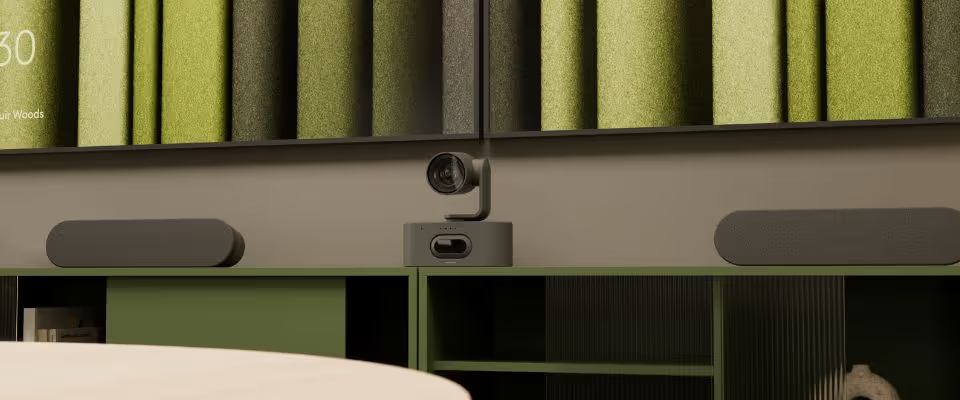
  • Logitech Tap hardware: approx. 840€
  • A room PC provisioned with MTR or Zoom Room: approx. 1,800€
  • Various connection cables
  • Configuration in Microsoft or Zoom Cloud
  • A suitable and compatible video conference camera
  • A suitable and compatible Echo-decoupled speaker
  • A suitable and compatible microphone
Logitech Tab White
Get a personal offer

Accessories

Logitech Mic Pods in various colors

Mic Pods

  • array of adaptive beamforming microphones
  • Machined zinc frame to dampen vibrations
  • Easy to reach mute button with LED status indicator
  • RightSound for automatic voice volume adjustment and noise suppression
Logitech Mic Pods Table/Ceiling Mount for installation on tables and ceilings

Mic Pods Table/Ceiling Mount

  • For mounting Rally Mic Pods on a table or ceiling, with cable management for a tidy appearance
  • Safe storage of cables that are too long - cables that are too long are rolled around the cable reel
  • Cable openings between 25 and 65 mm diameter
  • Can be easily adjusted to a maximum thickness of 50 mm
  • Clean appearance
Logitech Rally Bracket

Rally camera mount wall

  • Flexible mounting for clean setup and safe cabling
  • Allows you to flexibly mount the camera on a wall directly above or below the screen
  • A tripod mount and a three-pin system provide stability and keep the camera steady when the lens moves
Logitech Tab Riser Mount

Tap desk mount

  • 4K camera with 120-degree field of view with 5x digital zoom and motorized pan/tilt function
  • Telephone system with 3 microphones for approx. 2.4m recording range
  • Plug and play immediately ready for use without driver software (USB 3.0)
  • Mounting device for wall mounting
Logitech TV Mount

Rally Bar VESA Mount

  • Assembly options for the MeetUp ConferenceCam
  • Ensures that the MeetUp ConferenceCam is held securely either above or below a flat screen
  • Can be attached to industry-standard VESA mounting points on most TVs and displays
  • Available in a suitable size for every display
Logitech Wall Mount

Rally Bar wall mount

  • VESA compatible mounting kit for Rally Bar and Rally Bar Mini
  • Installation below the display for optimal eye level
  • With the integrated angle adjustment, the height of the rally bar can be precisely adjusted
Logitech Swytch Connector

Swytch (BYOD Switch)

  • Easy connection with conference camera, display and audio devices in the conference room
  • Compatible with most laptops
  • Equipped with both Type A and Type C USB ports and also works with USB 3.0
  • No dongle, splitter, or HDMI port required
Logitech Scribe Hero

Scribe Hero

  • AI-powered whiteboard camera for Microsoft Teams® Rooms, Zoom Rooms™, and other leading video conferencing services
  • Thanks to built-in AI and specially designed lenses, Scribe sends whiteboard content with excellent clarity in video meetings
  • With one button, you can share the whiteboard for the video meeting

Excerpt of our Logitech video conferencing installations for existing customers

Here's what your Logitech room system could look like—from small meeting rooms to large conference rooms and auditoriums:

  • Individually planned systems for every room size — from compact all-in-one video bars to modular conference systems with separate camera, microphones and loudspeakers
  • Seamless use with all common platforms such as Microsoft Teams, Zoom or Google Meet — flexible as an appliance or BYOD solution
  • Flexible use via USB (Bring Your Own Meeting) for easy integration into existing work environments
  • All-in-one solutions such as Logitech Rally Bar or Rally Bar Mini for quick and easy installation
  • Expandable audio systems with Logitech Mic Pods for larger spaces
  • Camera systems such as Logitech Rally or MeetUp with AI-supported framing and automatic participant recognition
  • Clean, invisible installation with sophisticated cable management and high-quality room design

Our Logitech Service: Consulting, Planning, Sales, Assembly and Configuration

As an AV professional, we support you in planning, installing, commissioning, configuring and handing over your Logitech conference systems projects. In addition, we bring our many years of experience to your project and provide you with reliable all-round service even after installation. We are looking forward to hearing from you.

planning

Creation of concept & planning

  • Selection of suitable video and system components
  • Design of conference equipment to suit the room
installation

Installation of conference solutions

  • Professional assembly without dirt
  • Invisible routing of signal and control lines
  • Integration into existing systems
startup

Commission & handover

  • Commission of your media system
  • Individual instructions for technology or users
setup

Configuration of the conference systems

  • Setting all parameters to achieve optimal results
corner flag

Selection of our customers

We are your partner for professional media and video conferencing technology in the greater Munich area — with over 1,500 completed projects for companies of all sizes, from individual meeting rooms to major projects with 50+ rooms.

customer projects
customer projects
customer projects
customer projects
customer projects
customer projects
customer projects
customer projects
customer projects
customer projects
customer projects
customer projects
customer projects
customer projects
customer projects
customer projects
customer projects
customer projects
customer projects
customer projects
customer projects
customer projects
customer projects
customer projects
customer projects
customer projects
customer projects
customer projects
customer projects
customer projects
customer projects
Map Kiessling Medientechnik Munich
location

KIESSLING Medientechnik GmbH

Heßstraße 41
80798 Munich
Appointments by appointment only
Phone
089 21550146*
*Please use the enquiry form or email for initial contact.
You will receive an extension as you proceed.
As an existing customer, you can find them in our emails.